Diffused light from the side
Soft window light models the face and garment without hard contrast, helping subtle texture and gentle color changes remain visible.
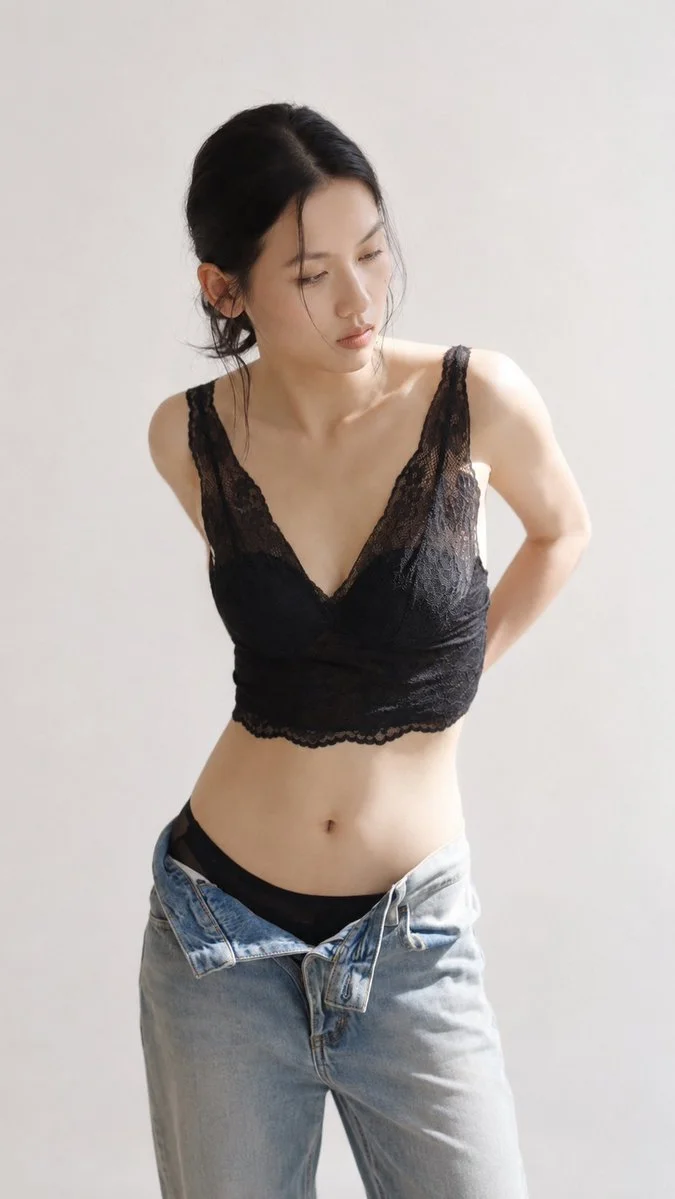
Soft Studio is a controlled starting point for studio fashion photography when the clothing should stay central and the mood should remain approachable. A warm off-white studio, diffused window light, a relaxed three-quarter pose, and quiet negative space give the saved AI model and saved garment room to read clearly. The direction can support a clothing launch, a collection detail, a lookbook frame, or a simple campaign image for a brand that wants calm visual consistency. Choose the model and garment in ClothAds, then spend 10 credits to generate one 4:5 image.
1 saved AI model
Choose the model identity that should appear in the campaign image.
1 saved garment
Choose the garment whose construction, color, and details must stay recognizable.
This template is a natural fit for studio clothing photography, especially when shape, color, and material need to be easy to inspect. It works for knitwear, shirts, dresses, basics, accessories, and everyday collections that do not need a dramatic location to feel considered. The restrained set also makes it useful for a sequence of campaign images where different garments should share a similar visual foundation. If you want a soft light fashion portrait with space around the subject, this is the most direct of the six directions.
Soft window light models the face and garment without hard contrast, helping subtle texture and gentle color changes remain visible.
The quiet background avoids a strong location story and gives the chosen garment a clean field for color and silhouette.
The turned pose adds dimension to the outfit while keeping the front, side, and overall drape easier to understand than a flat crop.
Yes. It is made for a warm, minimal studio composition where the model and garment carry the image. The quiet set is useful when you want clothing information without a distracting location.
It uses diffused window light, low visual clutter, and a relaxed three-quarter pose. The result is gentler than a hard flash portrait and more dimensional than a flat product cutout.
You generate one image at a time with one saved model and one saved garment. Reusing the same model and template can give a collection a shared starting direction, but each generated result still needs review.
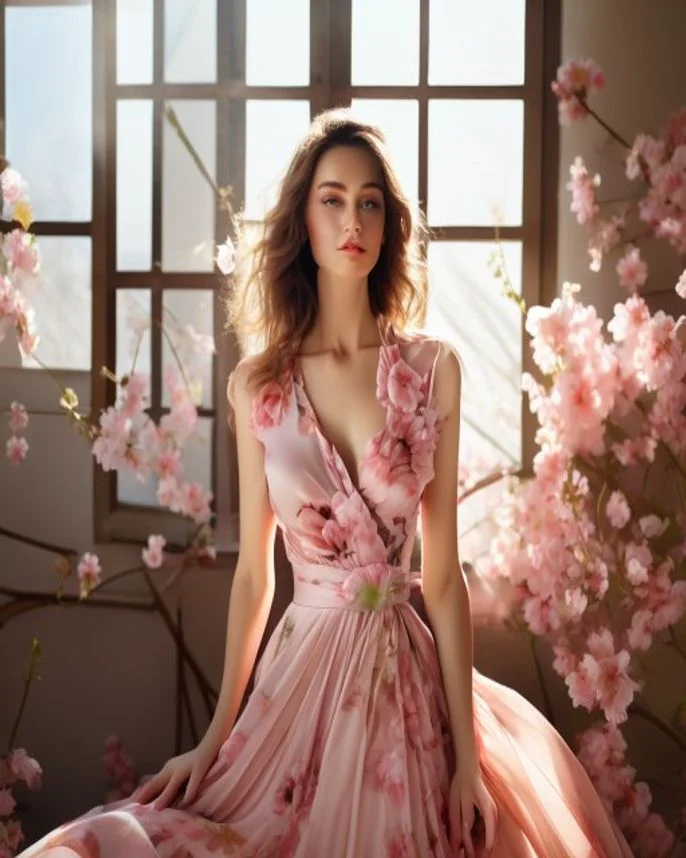
Pink-white cinematic diffusion, blossoms, shallow depth, and a serene window-side portrait.
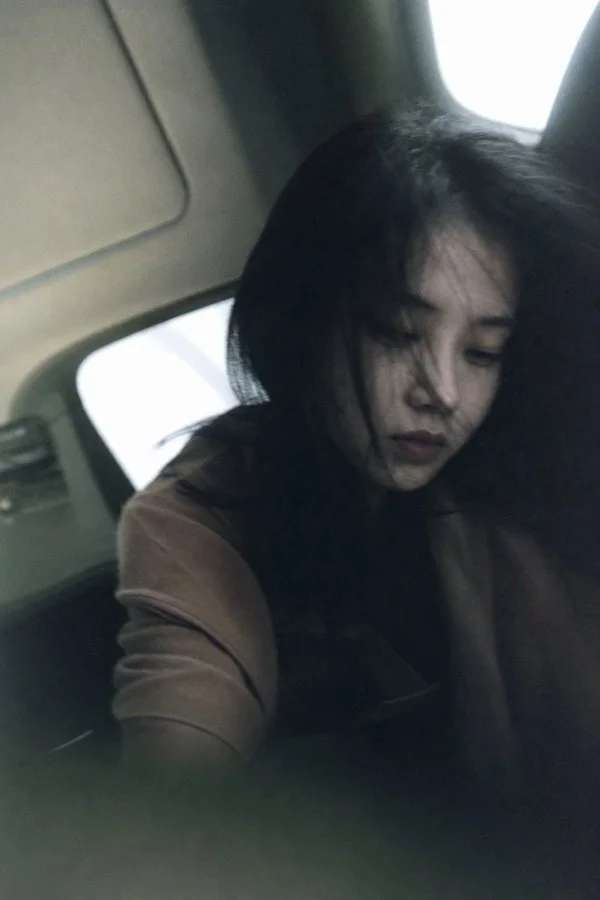
A candid private-memory frame with natural light, deep shadows, restrained color, and gentle optical softness.
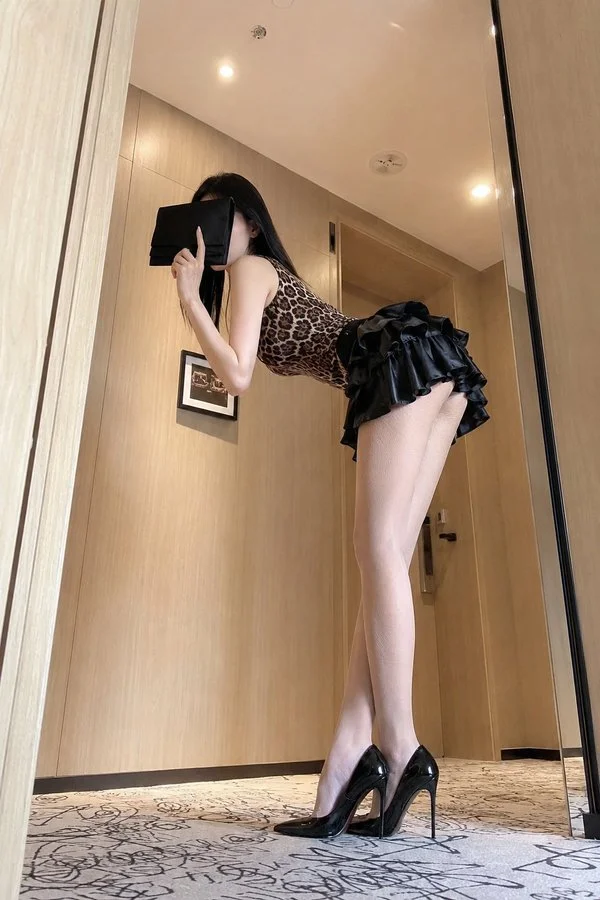
A floor-level wide-angle hotel portrait with warm ambient light and a playful editorial pose.
Upload clothing reference photos and create a reusable multi-angle garment board for ecommerce content, catalogs, and fashion ads.
Create product images